Resource: UkeBuddy.com
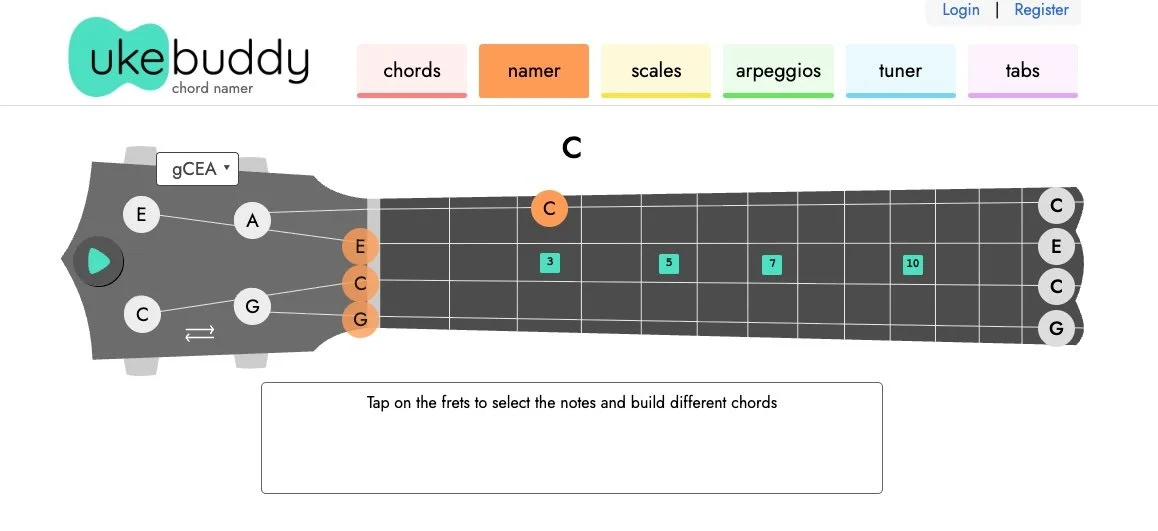
I’m always on the lookout for great online tools that help music educators teach music. I recently came across one of these resources: UkeBuddy. The website is a set of simple but quietly powerful tools that can be woven into everyday instruction and student practice. UkeBuddy lives on the web as a collection of interactive pages built around the ukulele, from chord charts to tuners and beyond, and each of these pieces can support learning in meaningful ways for novices and more advanced players alike. The website offers a ukulele chord finder that lets students choose a key and chord type and see the shape laid out on a fretboard diagram. Students often learn a handful of chords by rote but struggle to understand how those chords relate to other keys or chord families. By experimenting with the chord finder they can visualize the structure of major and minor chords as well as sevenths and extensions without having to flip through a printed chart.
There is also a chord namer tool that works in reverse. Students can select notes on a fretboard and have UkeBuddy tell them what chord they have built. This turns the sometimes mysterious task of identifying unfamiliar voicings into an interactive game that builds aural skills and fretboard fluency. In ensemble settings or small group workshops students can challenge one another to find creative chord voicings and then check their answers using the chord namer.
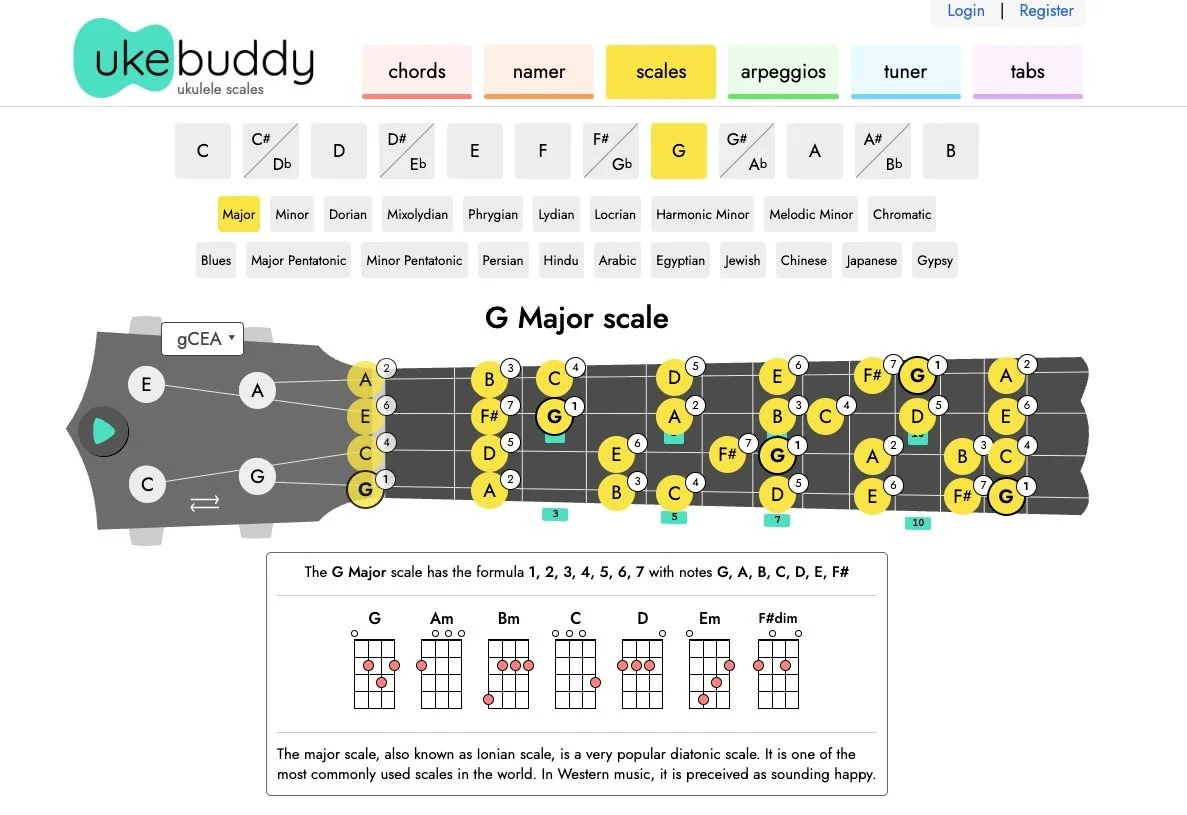
Scale diagrams are another part of the site, with maps of common scales shown across the ukulele fretboard. For teachers who want to introduce melodic concepts alongside chord work this is an easy way to illustrate major and minor scales, pentatonics, blues scales and others. Students can see where scale tones lie in relation to chord shapes they have already learned and begin improvising simple melodies over chord progressions. This kind of pattern recognition is foundational to improvisation and composition and helps students make connections between reading notation, tablature, and fretboard geography.
The arpeggio section builds on chords and scales by displaying the individual notes of a chord across the fretboard in a sequence that can be played one at a time. Arpeggios are a bridge between harmonic understanding and linear playing, and UkeBuddy’s interactive charts let students explore these shapes at their own pace. These shapes can be used to support rhythm studies, phrasing exercises, and even ear training as students move beyond block chords into musical motion.
No ukulele lesson is complete without tuning, and UkeBuddy includes an online tuner that works through the microphone of the student’s device. Being in tune matters to developing ears as much as it does to ensemble work. Encouraging students to check their tuning regularly using this tool builds good habits early and helps them hear what in-tune strings should sound like. The tuner supports multiple tunings so students can experiment with alternate sounds beyond standard gCEA as they advance.
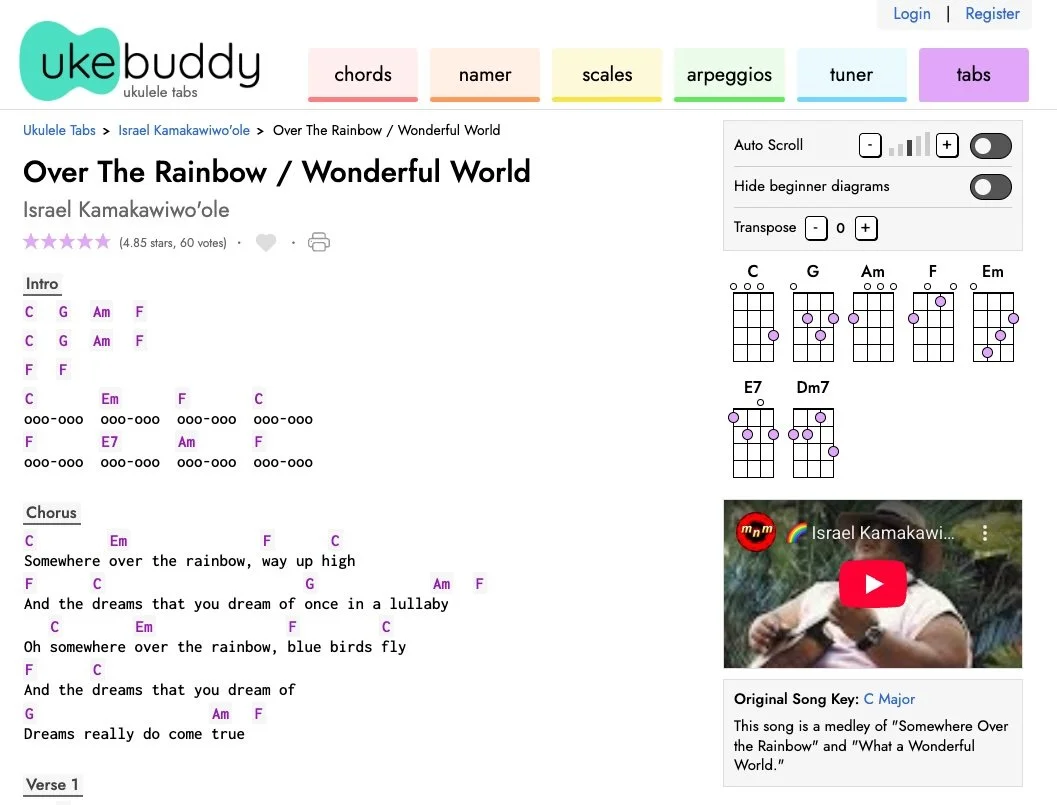
Finally there is a tabs section where students can explore song arrangements and apply what they have learned in real musical contexts. While not a replacement for well-crafted method books or teacher-led instruction this collection of tools supports differentiated learning by giving students places to explore independently and reinforce concepts introduced in the classroom. UkeBuddy is the perfect resource for music teachers who are trying to teach their students how to play this super-popular classroom instrument. Try it out with your students and let me know what you think!