Soundtrap Gets a Glow Up - And It’s Good.
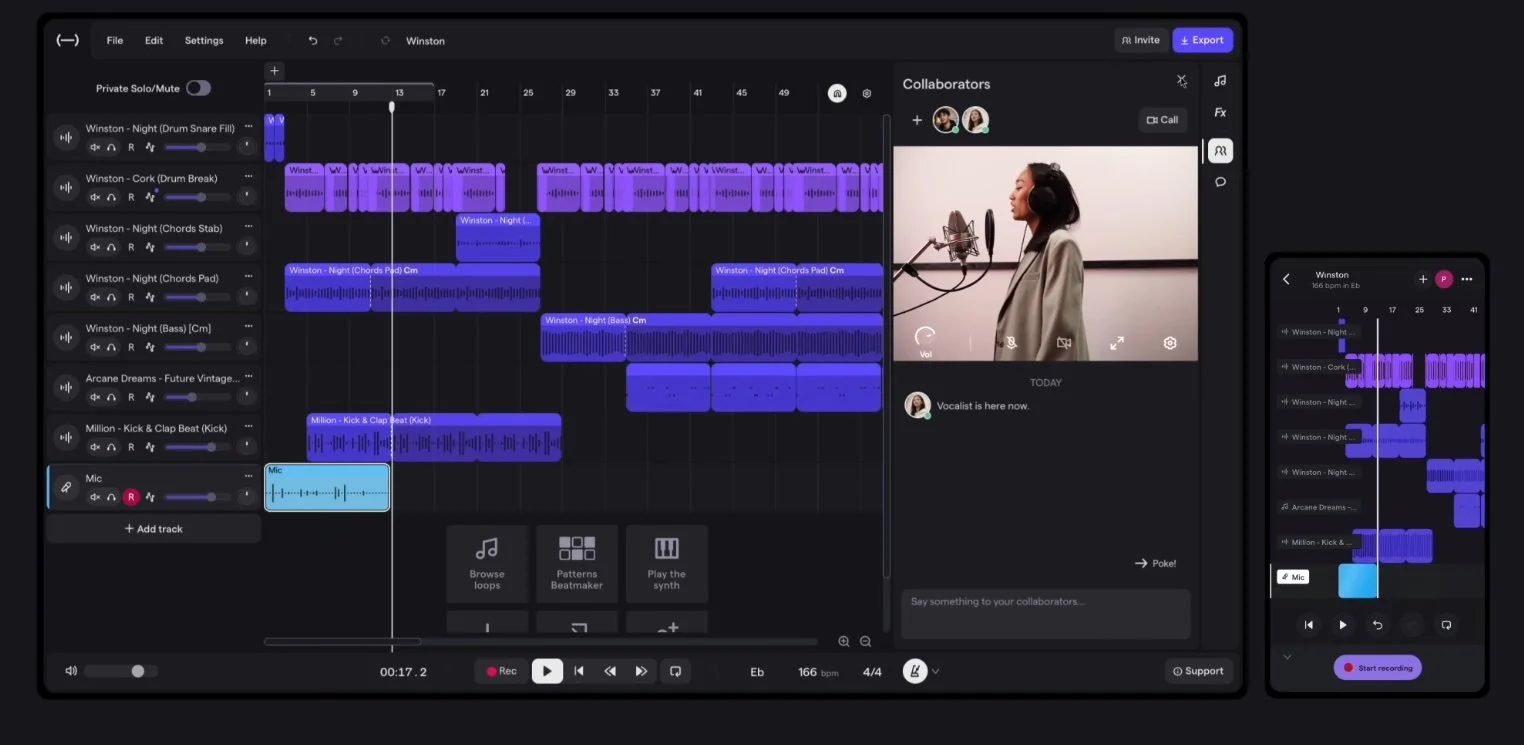
For the last ten years, Soundtrap has been one of the most accessible ways for students and creators to make music online. The browser based digital audio workstation (DAW) makes it possible to record vocals, build beats, and collaborate with others without installing complicated software - all running in the browser. MusicFirst is very proud to be a Soundtrap partner, bringing this amazing software to tens of thousands of music teachers and students around the world. Yesterday, I saw a post from them announcing that they had released the newest version of their software. I immediately launched it from the MusicFirst Classroom, and I have to say - this new release is really impressive. It feels like a genuine glow up. The platform looks cleaner, works faster, and introduces several features that make producing music easier for beginners while still offering depth for more experienced creators. If you already use Soundtrap with students, or if you have been curious about browser based music production tools, the new version is worth another look.
In my opinion, one of the main reasons that Soundtrap is well loved by teachers and students because of its focus on simplicity. The core idea is that anyone should be able to open a browser and start creating. With the latest updates, the studio interface feels more modern and streamlined, reducing any barrier between ideas and finished tracks. The editing tools, instruments, and collaboration features are now easier to find and easier to use, which is exactly what music educators want when introducing students to music production. Under the hood, Soundtrap remains a cloud-based DAW that allows creators to record, edit, mix, and collaborate on music from almost any device. Projects are stored in the cloud and can be accessed from laptops, tablets, or phones, allowing users to start a project in one place and continue somewhere else without worrying about saving files or transferring audio. This glow up is not just visual. Several features stand out as meaningful improvements for users.
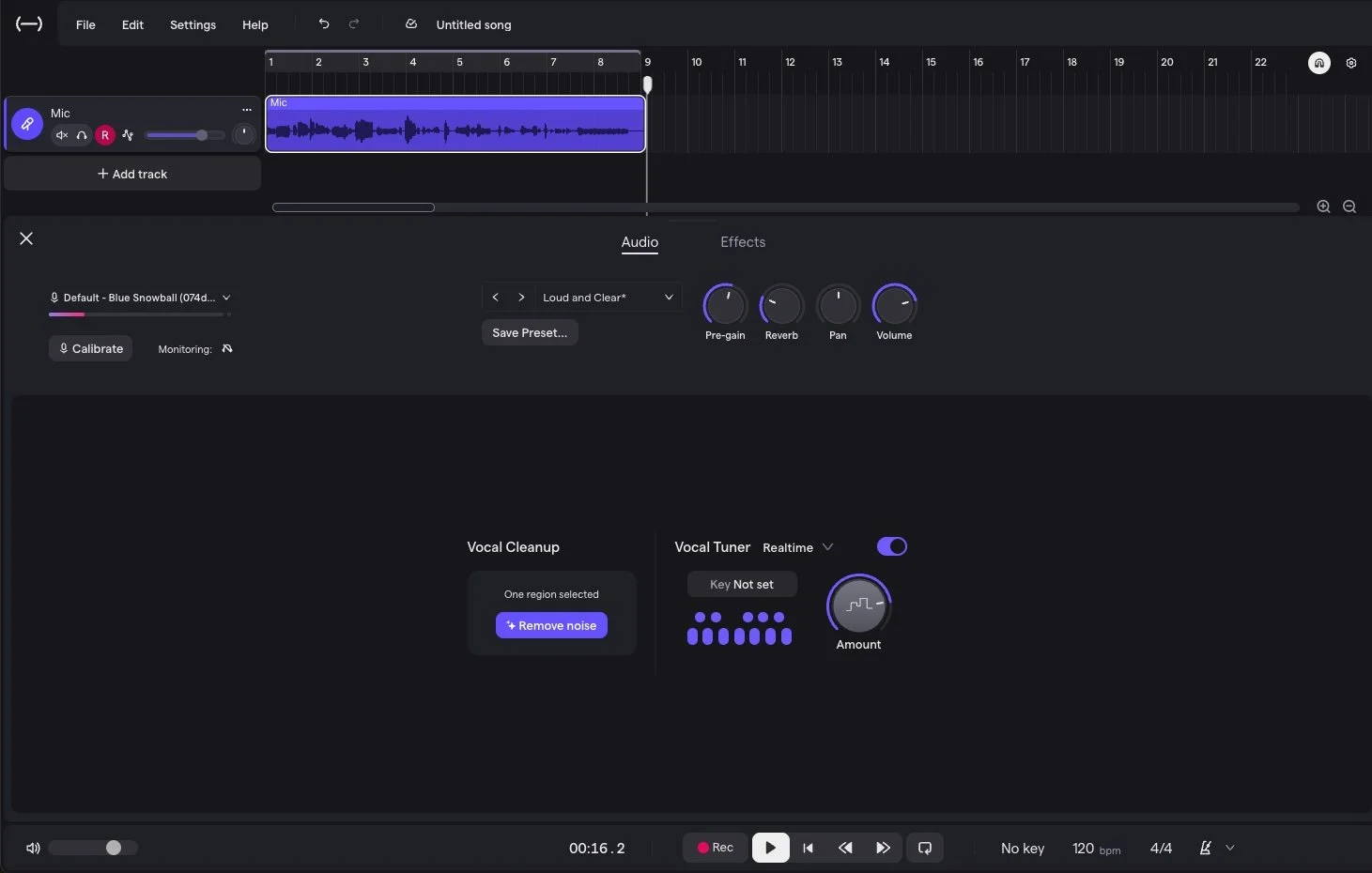
One of my personal favorite features of Soundtrap continues to be its vocal production tools - it even makes me sound good! The platform includes a full vocal suite designed to take recordings from raw audio to polished tracks. Creators can now use tools such as real time vocal tuning, vocal doubling, vocal presets, and AI powered vocal cleanup to improve recordings without needing professional studio experience.
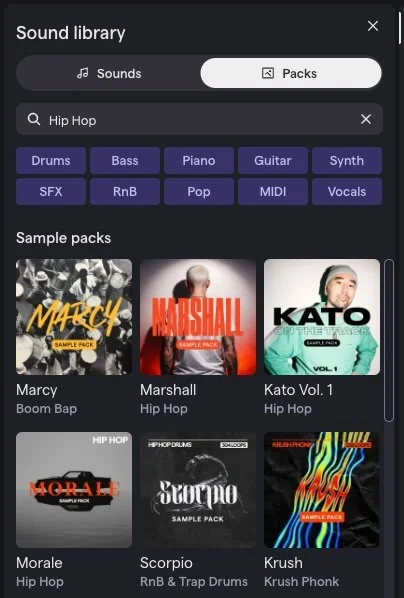
Sound libraries have also expanded significantly. Soundtrap now offers tens of thousands of loops and samples across many genres, along with hundreds of virtual instruments. These include synths, drum machines, samplers, and keyboard instruments that can be played directly with a MIDI controller or computer keyboard. The large collection of sounds makes it easier for students to begin composing immediately in a style that they like without searching for external samples.
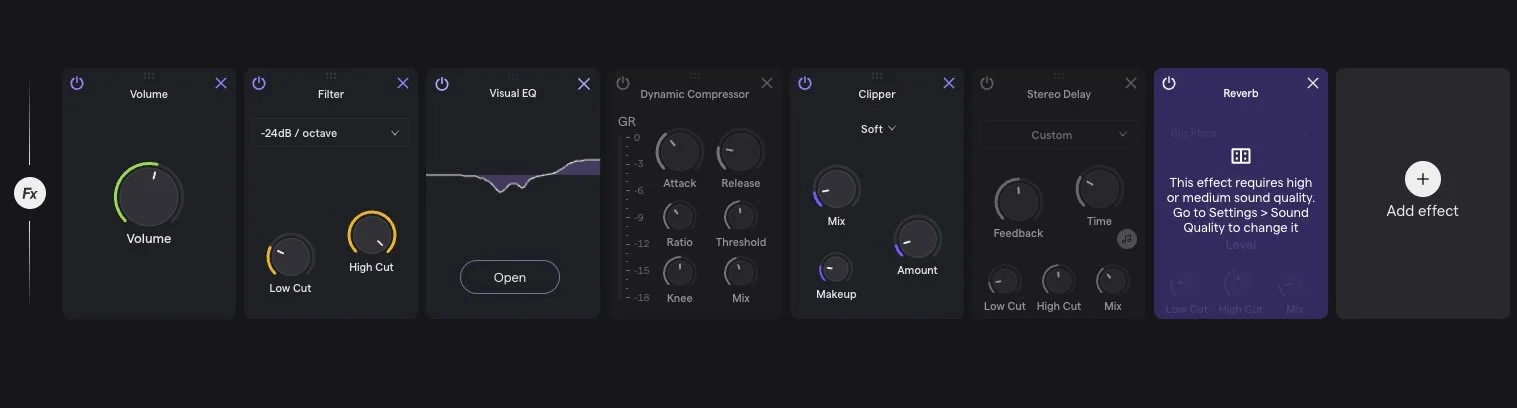
Mixing tools have also improved. The platform now includes more than fifty built in effects, including reverb, bitcrusher, rotary effects, and instant sidechain processing. These effects allow creators to shape and polish their tracks without needing additional plugins. For beginners, having these tools directly inside the studio keeps the focus on music rather than technical setup.
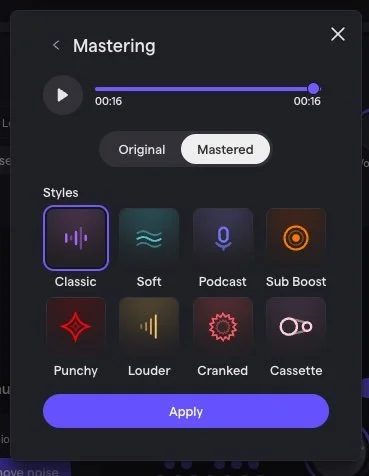
Another useful addition is the simplified mastering workflow. Soundtrap now offers mastering presets that help creators achieve a finished sound more quickly. Instead of exporting tracks and mastering them in another program, users can apply mastering presets within the platform to produce release ready audio with minimal effort.
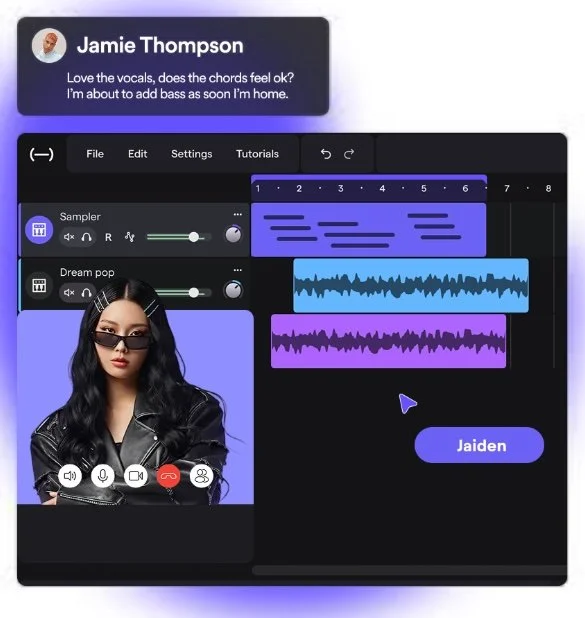
Collaboration remains one of Soundtrap’s most useful features for when students are outside of the classroom. Users can invite collaborators from their class to join projects and work together in real time. Changes are automatically saved and participants can communicate directly within the studio environment. It’s like Google Docs for music production. For students, this opens the door to collaborative songwriting, group composition projects, and peer feedback sessions.
One other really cool feature, that is still only in beta for Mac users, is their new desktop app that you can download right now. I haven’t had a chance to play around with it yet because I don’t have the latest OS installed on my MacBook Pro (too much stuff on it).
My only real disappointment is that they still haven’t integrated video - allowing students to score music to film. I know that I was hoping to see this in the new update, and it just isn’t there - a real bummer. I can’t even count how many music teachers have asked me personally about this feature, and when it will be there. I thought that this was the moment. I guess we’ll just have to wait a little longer.
While all of these new features, alongside the offline version, are amazing, it is important to note that Soundtrap’s goal is not to compete with complex professional DAWs like Logic, Ableton or Pro Tools. Instead, Soundtrap focuses on lowering the barrier to entry for music production while still offering enough creative control to produce impressive results at an affordable cost. For music educators, this matters. Many, if not most students today are curious about beat making, recording, and producing music, but traditional notation based tools do not always capture that interest. Platforms like Soundtrap provide a gateway into creative music making that feels familiar to students who have grown up with digital media. In short, Soundtrap didn’t just update its appearance. The platform further improved its workflow, expanded its creative tools, and doubled down on accessibility. That combination makes the new version feel less like a routine update and more like a genuine glow up. And yes, it is a good one.