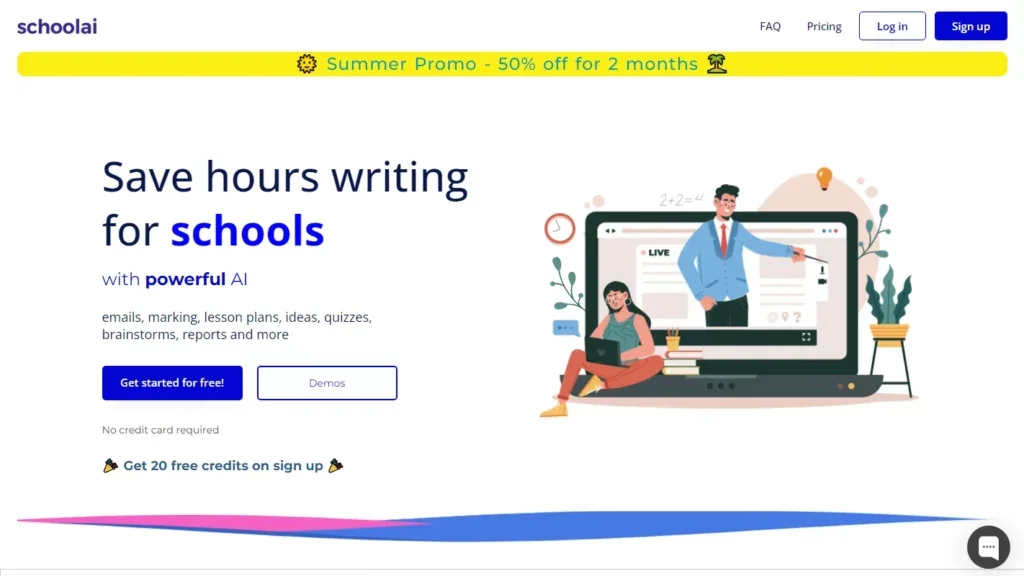
In the ever-growing field of AI tools specifically targeted towards education, I recently came across School AI. This is a FREE tool for teachers, and it’s very similar to its main competitor, MagicSchool. While many of these platforms are marketed primarily toward core academic areas like math and language arts, some have begun to attract attention from arts educators as well. For music teachers curious about whether AI might have a meaningful place in their classroom or rehearsal space, it’s worth taking a closer look at what SchoolAI actually offers - and what its limitations might be. Whether you’re a band, orchestra, or general music teacher who is interested about what generative artificial intelligence can do for your classroom, OR your school has already purchased it and is now expecting you to use it, here are some of my thoughts on how SchoolAI could be used in your music classroom.
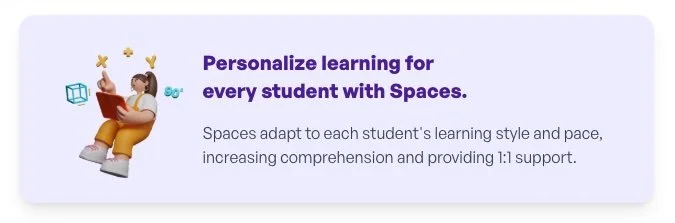
SchoolAI presents itself as a platform designed for “every learner, every day.” Teachers can create or adapt interactive lessons called Spaces that combine prompts, media, and AI-assisted feedback. Much of the content in its library has been developed by teachers in other disciplines, but with some customization, music educators could repurpose certain activities. For example, a teacher might build a Space where students explore rhythm, identify patterns, or reflect on a listening example. They could also create a Space for each of their ensembles. The flexibility is appealing, particularly for educators who like to design their own materials. Still, most of the existing templates are text-based, so it may take some creativity to make them feel musically authentic.

The AI assistant within the platform, named “Dot,” offers individualized support for students who get stuck. In a music context, that could mean asking follow-up questions or breaking down a task into smaller steps. During a band or choir rehearsal, this might allow the director to focus on ensemble work while students engage in guided reflection or theory practice through the platform. It’s a potentially efficient way to differentiate instruction, though the quality of that AI feedback—especially for performance-based skills -will depend on how well the teacher frames the assignment. Dot won’t be able to assess intonation, tone quality, or phrasing nuances the way a human teacher can.
For ensemble directors managing large groups, the idea of having an AI tool track student engagement or progress sounds promising. SchoolAI’s dashboard can show which students are completing tasks or where they may be struggling conceptually. Used thoughtfully, this data could help teachers target their time more effectively. On the other hand, it’s easy to imagine this kind of digital tracking feeling more like administrative busywork than genuine insight, especially if the assignments don’t directly connect to what’s happening in rehearsal. The platform’s value, in other words, will depend on how intentionally a teacher integrates it into their existing program.
From a practical standpoint, SchoolAI is built to save time. The company claims teachers can regain several hours each week by automating routine work. That may be true for subjects with more written output, but in a music classroom - where much of the learning happens through doing, listening, and performing - the time savings might be less dramatic. Where it could prove genuinely useful is in the creation and management of reflection journals, theory reviews, or independent projects, areas where teachers often struggle to find time for meaningful feedback.
The platform also places a strong emphasis on privacy and compliance, noting that student or teacher data isn’t used to train AI models. For educators concerned about COPPA and FERPA regulations, this transparency is welcome. Still, it’s worth remembering that no digital platform is completely risk-free. Teachers should review their district’s policies and be sure any tool aligns with local data-handling requirements before introducing it to students.
So, what might this look like in practice? Imagine a high school jazz band preparing a new chart with syncopated rhythms. The director could assign a Space where students listen to a recording, identify rhythmic motifs, and reflect on how they relate to their own part. Students could complete this individually, while the teacher uses the insights from their responses to guide the next rehearsal. It’s a practical supplement to traditional instruction - not a replacement for it. The same approach could be used in a general music or theory class to reinforce listening and analysis skills.
In my opinion, SchoolAI is best viewed as a collection of AI-powered learning tools - a digital environment where music educators can some pretty interesting AI tools into their teaching. Combined with other music-oriented online learning platforms like the MusicFirst Classroom, it could be a very powerful combination. It won’t assess tone or dynamics, it won’t tune the ensemble, and it won’t replace the creative spark that comes from human interaction in a music room - use tools like PracticeFirst, Soundtrap, YuStudio, or Flat for Education for those types of interactions. But for teachers looking to organize student work, guide independent practice, or experiment with reflection-based learning, it may offer some worthwhile possibilities.
Like any new technology, the usefulness of SchoolAI will vary depending on the teacher, the students, and the context. Some educators may find it transformative, while others might decide it adds unnecessary complexity. As with most tools, the question isn’t whether AI can replace what music teachers do, it’s whether it can meaningfully support the artistry, focus, and reflection that good teaching already demands. SchoolAI may not be a perfect fit for every program, but it’s certainly a platform worth exploring with a critical and creative eye. Does your school use School AI? Let me know what you think of it and how you’re using it with your students.