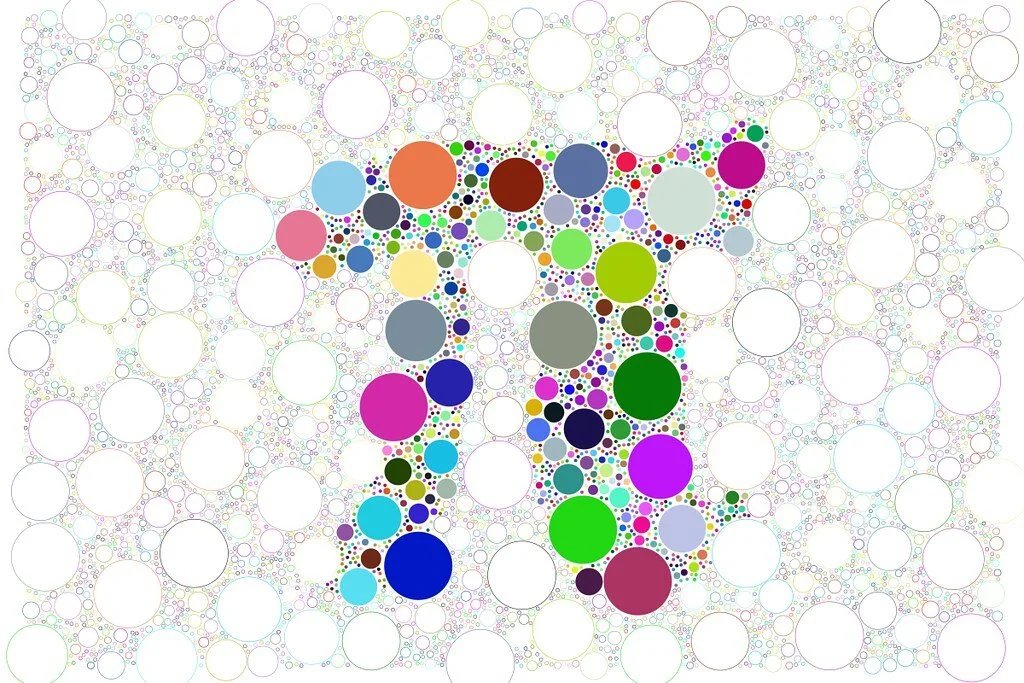
As any teacher knows, March 14th of each school year is known as “Pi Day”, relating to the first three digits of Pi. The number Pi (π) if you recall from your math classes in school, is a mathematical constant, approximately equal to 3.14159, that is the ratio of a circle's circumference to its diameter. When I was teaching, I didn’t want to be left out of the Pi Day celebrations. Because music and mathematics are so closely related in many ways, I always did some type of creative music making activity on March 14th. I have posted one of those lesson ideas that I blogged about a few years ago. As Pi Day is on a Saturday this year, I thought I would post a few more lesson ideas that you can do with your students. The concepts are pretty straightforward. Using π (Pi) to generate music is a great cross-curricular activity that blends math, creativity, and technology. It works especially well with middle and high school students because it gives them a rule-based system for composing, which removes the “blank page” problem. Below are five lesson ideas that could work well in a music classroom, especially with notation tools like Flat or DAWs like Soundtrap and YuStudio. I hope you find the useful!

Pi Melody Generator
Students convert the digits of π into musical pitches.
Lesson Objective:
Students understand algorithmic composition and scale relationships.
Process:
Assign numbers to notes in a scale. For example in C major:
1 = C
2 = D
3 = E
4 = F
5 = G
6 = A
7 = B
8 = high C
9 = D above middle C
0 = B below middle C
Students then take the first 20–40 digits of π and create a melody using notation software or a digital audio workstation.
Extension ideas
Students compare melodies created from different lengths of π.
They analyze whether the melody feels random or patterned.
Pi Rhythm Composer
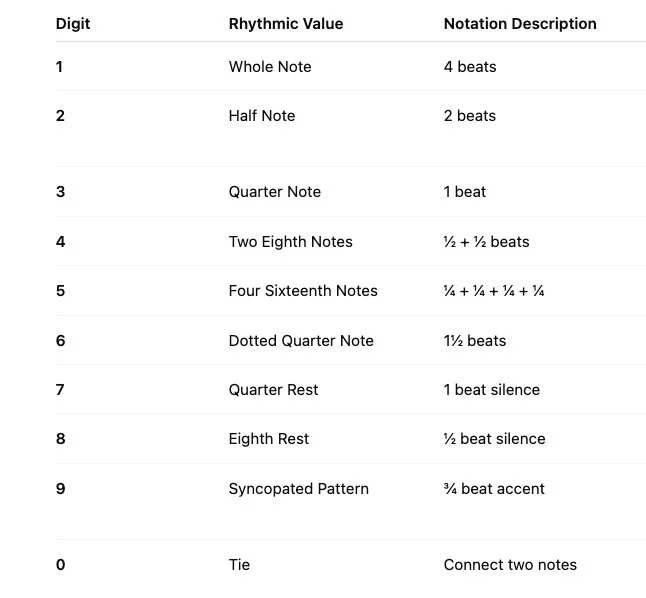
Instead of pitches, the digits of π determine rhythmic values.
Lesson Objective:
Students reinforce rhythmic literacy and explore how mathematical patterns can create musical groove.
Example mapping:
1 = whole note
2 = half note
3 = quarter note
4 = two eighth notes
5 = four sixteenth notes
6 = dotted quarter
7 = quarter rest
8 = eighth rest
9 = syncopated rhythm
0 = tie
Students write a rhythm line for percussion or a melody instrument.
Pi Chord Progression Builder
Lesson Objective:
Students explore harmony, Roman numeral analysis, and structure.
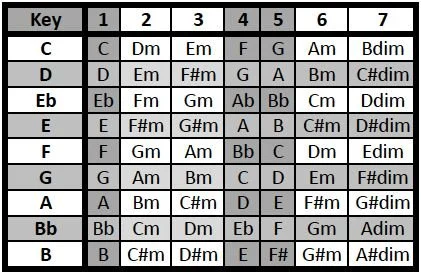
Students use π to generate harmonic progressions.
Example mapping in C major:
1 = I
2 = ii
3 = iii
4 = IV
5 = V
6 = vi
7 = vii°
8 = I (next octave)
9 = V/V
0 = rest or break
Students create a 16-chord progression from the digits of π, and then they compose a melody over it.
Pi Ensemble Composition
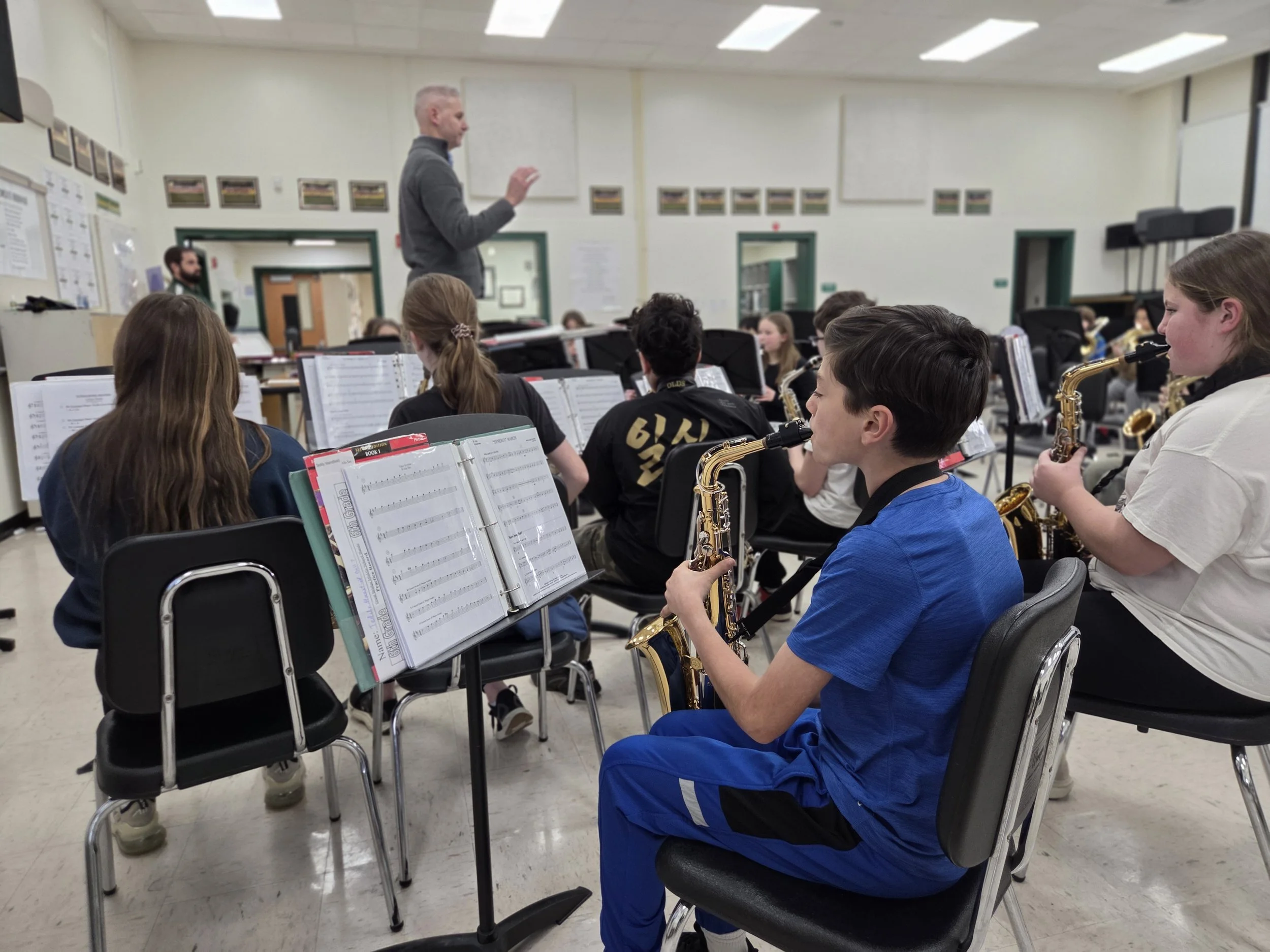
Each section of the ensemble receives different digits of π.
Lesson Objective:
Students experience structured improvisation and ensemble collaboration.
Example:
Flutes = digits 1–20
Clarinets = digits 21–40
Brass = digits 41–60
Percussion = digits 61–80
Each group uses a rule system (pitch, rhythm, or dynamics) to interpret their numbers.
When performed together, the result becomes a large collaborative composition.
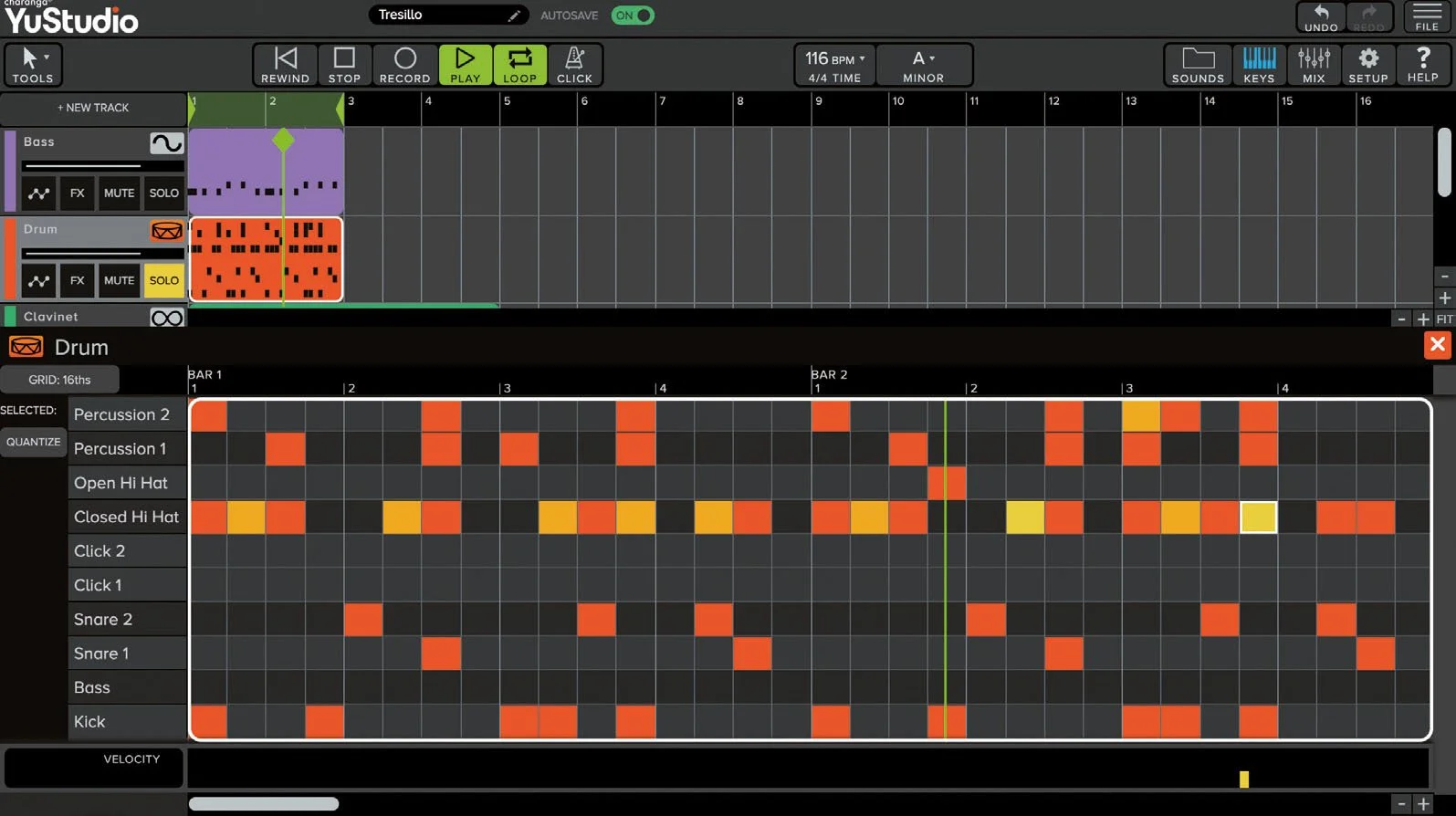
Pi Algorithmic Music with Technology
Students import digits of π into a DAW or notation program and let them control multiple parameters:
Lesson Objective:
Students explore generative music and understand how algorithms drive composition.
Possible mappings
Digits → pitch
Digits → note duration
Digits → velocity (volume)
Digits → instrument changes
Students then refine the generated music artistically.
Tools that work well for this include Flat, Soundtrap, or YuStudio.
Reflection activity for all lessons
Ask students:
Does math create “musical” results?
When should composers follow rules vs break them?
How much editing should be allowed after the algorithm generates the music?
This ties nicely into discussions about AI-generated music, something you may have been exploring with your students.