Meet Your New AI Assistant: Claude Chrome Extension
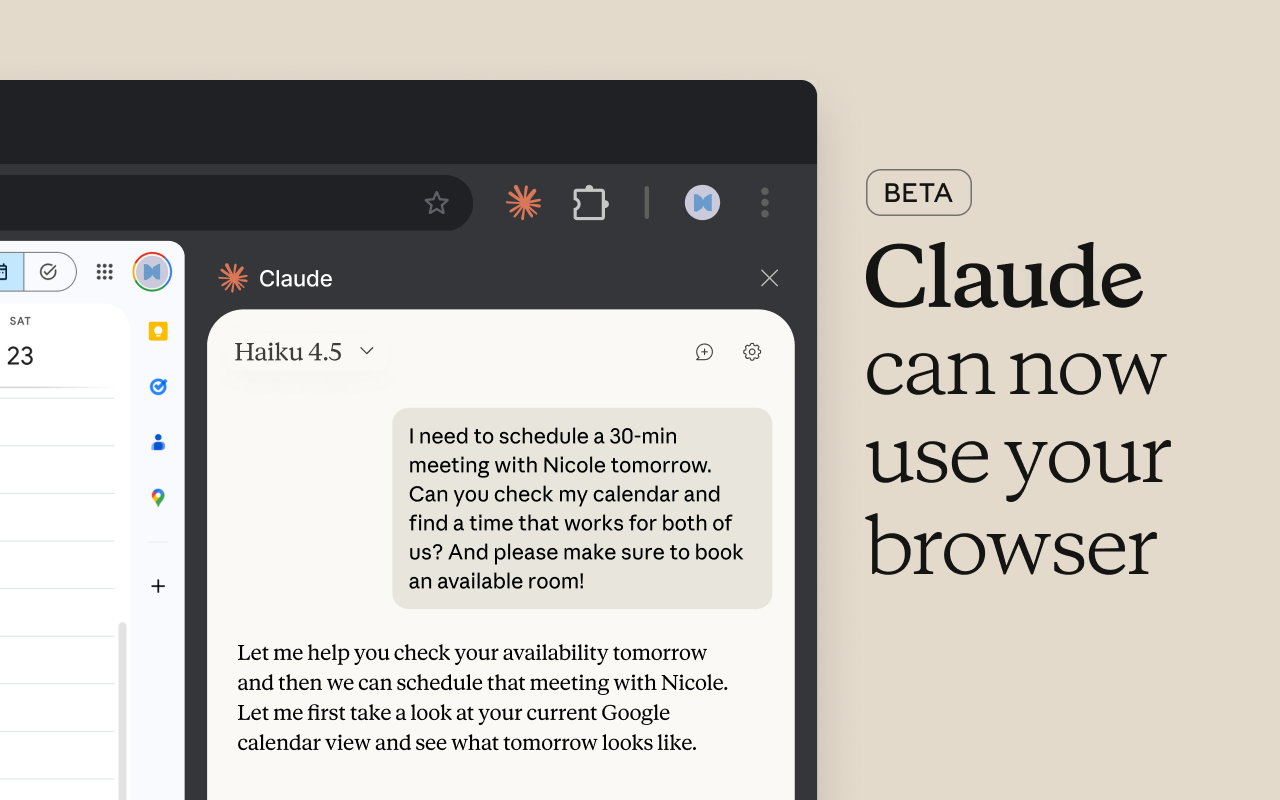
About a month ago, a good friend of mine asked whether I had checked out the new Claude Chrome Extension. He was so enthusiastic about it, I knew I had to check it out. I went to the Chrome Web Store and immediately downloaded and installed it. This extension is a perfect example of Agentic AI - the type of GenAI tool that helps you do tasks that you may not want to do. It does require a paid Claude account, which will cost you $20/month, so read on before you enter your credit card details. To get started, here’s a great video that demonstrates everything that the Claude Chrome extension can do. Brace yourself.
Now that you know what this tool can do and why you might consider using it yourself, there are a few things to consider that I feel are really important. First up: data privacy. As teachers, we are constantly working within frameworks like COPPA and FERPA. If an AI tool can access your browser, your files, your LMS, and potentially student data, you need to be absolutely clear on what is being accessed, stored, and processed. Frankly, this is the part that makes me uncomfortable. I would definitely ask your school IT person how they feel about using this with actual student data before putting their info anywhere near this technology. My strong advice is to use this solely for your own workflows for now until this issue has been resolved.
Another thing to consider is that when Claude drafts an email, organizes your files, or summarizes student data, it’s doing so based solely on patterns. It doesn’t really know what it’s finding so you have to be the final decision-maker. Finally, this is very early stage technology - that’s what it means when it’s in Beta. It will improve rapidly, but today it may still make mistakes, misinterpret instructions, or require more double checking than expected. So far, my own use of the Claude Chrome Extension has been experimental, using my own daily work routines (email, CRM, spreadsheet analysis). I will admit, it is very impressive, but it does make mistakes.
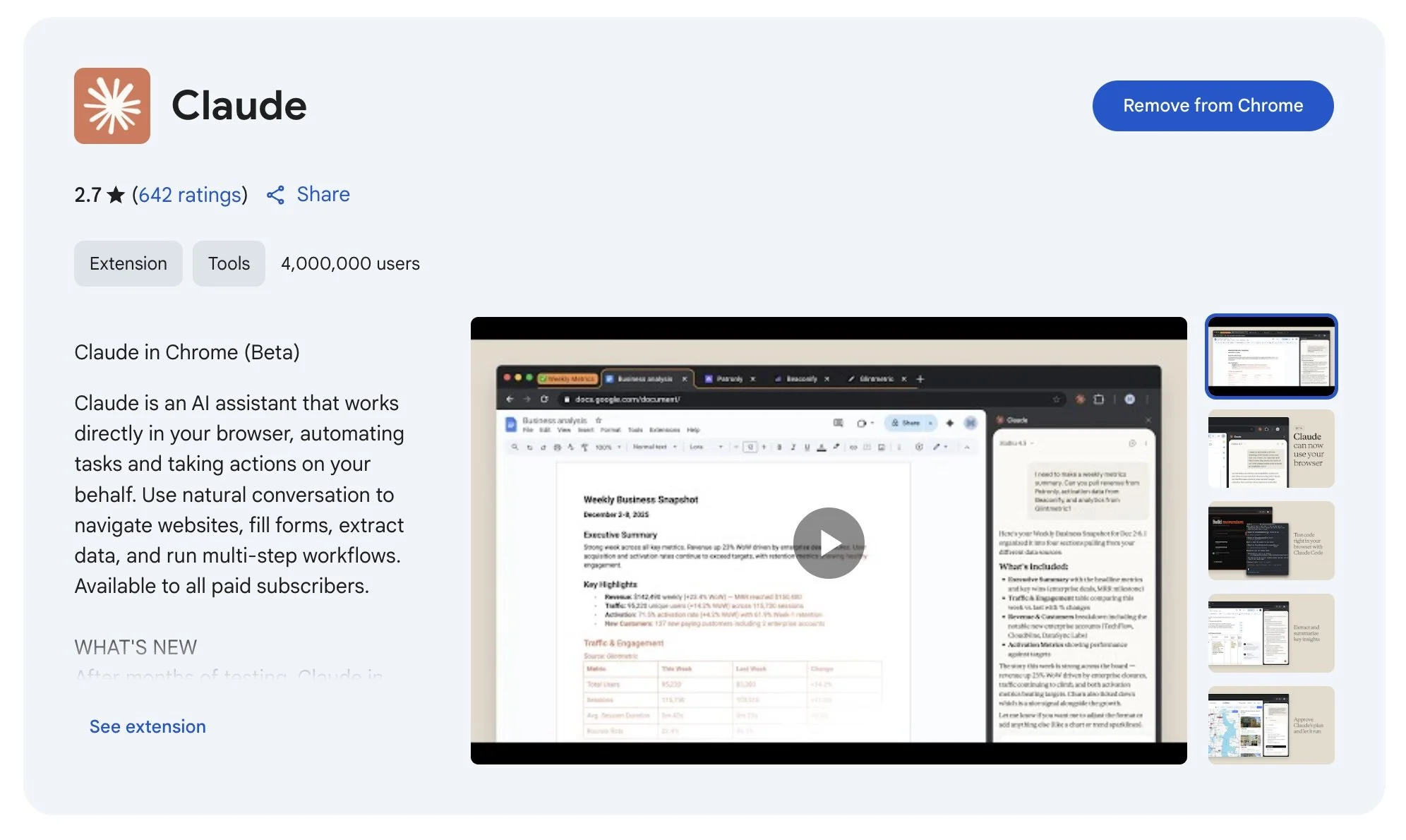
Before I share three ways that you can use this extension as a teacher, here is a quick step-by-step walkthrough of how it actually works. I launched the Claude extension while writing this article to demonstrate.
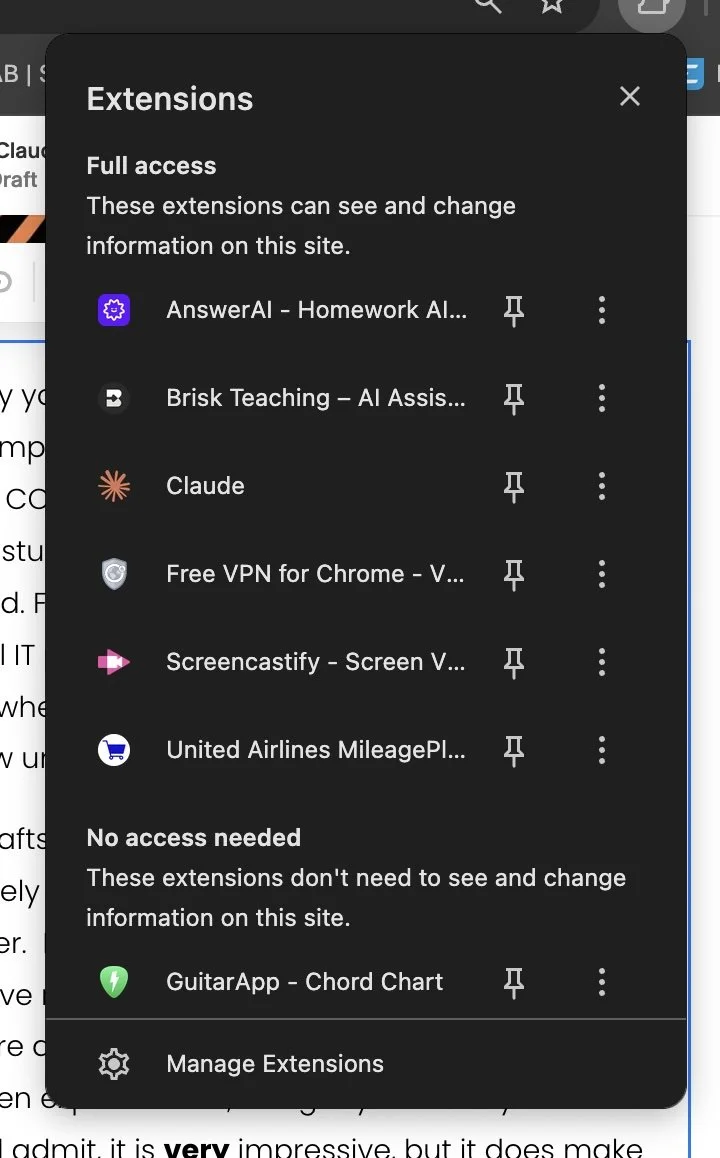
After downloading and installing the extension, click on the Chrome extensions icon in the top of your browser window and then click on the Claude extension.
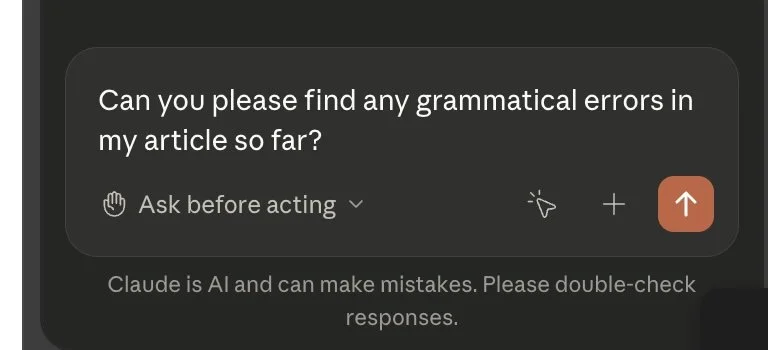
Once the extension opens, you’ll see a prompt asking you what you’d like the extension to do. For this example, I asked it to find any grammatical errors in this article.
After entering the prompt, Claude developed a plan and asked me if I approved it:
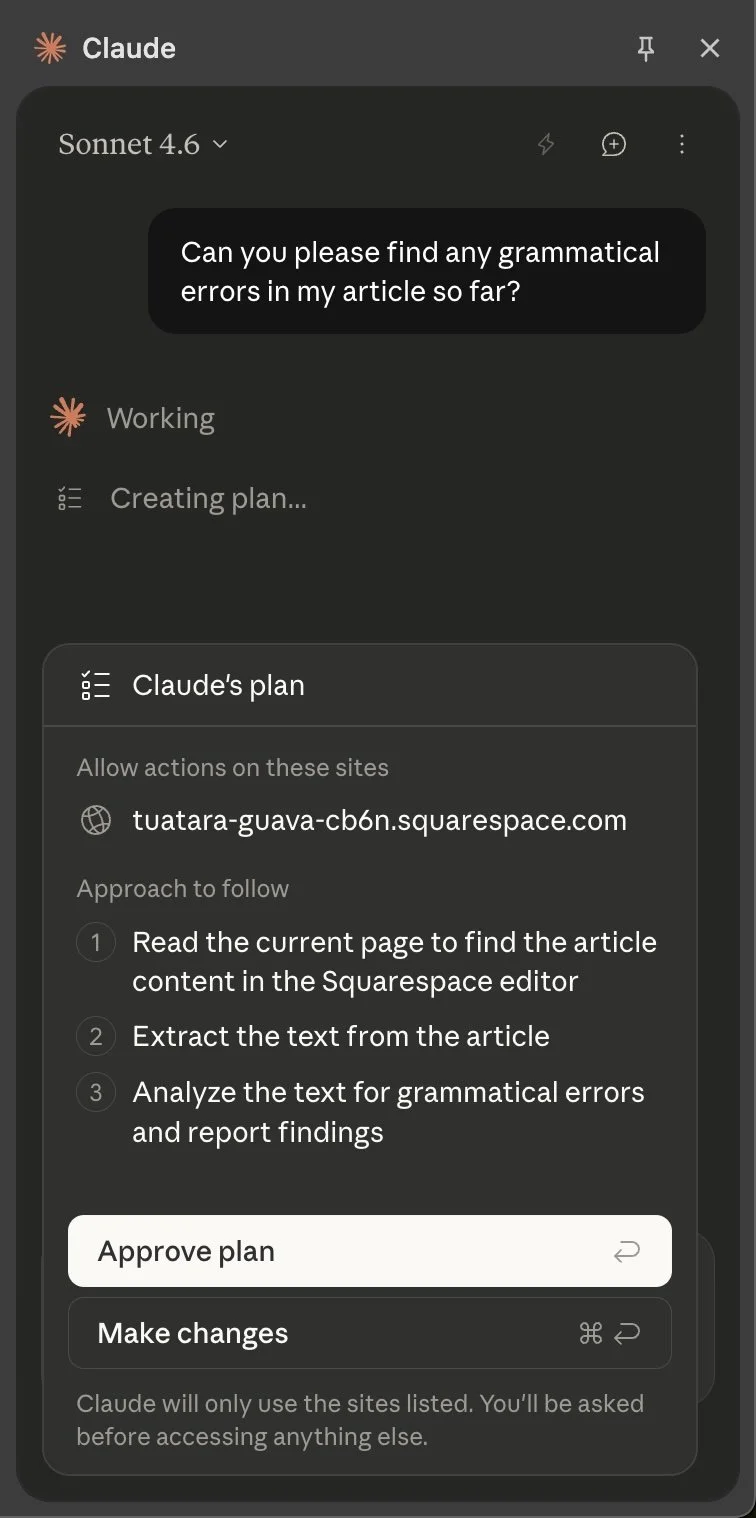
I clicked Approve plan - but you can make changes if you don’t agree with its plan. Hopefully you don’t find any grammatical errors!!
I know that this example is an extremely simple task that many other programs can do, but I wanted to show the workflow. Once you click Approve plan Claude then takes over your computer and starts clicking on things and making changes. It’s pretty spooky in all honesty. You can do these types of tasks in the background and move on to other things while it does its thing. Some tasks can take hours and some take a few minutes. I have found that it is really good at organizing and analyzing data from the many different tools that I use on a daily basis.
So how might this agentic AI tool help you as a music educator? I want to stress that none of these examples requires student-specific data. You’re working with general information and communication. Here are some ideas:
Curriculum and Lesson Planning Assistant
One of the safest and most powerful uses is simply treating Claude as a research and planning partner. You can prompt it to:
Find repertoire ideas for a specific grade level
Build listening examples around a concept (e.g., syncopation, ABA form)
Draft rehearsal plans or unit outlines
Because you’re working with public content and instructional ideas and not student information, you stay completely on the safe side of privacy concerns.
Automating Administrivia
We all spend WAY too much time doing everything BUT teaching music. While I’m not sure whether or not I coined the term administrivia - it is definitely the reason that I ultimately left teaching. I think if we could all spend more time teaching and less time answering emails, filling out forms, documenting student growth, etc. we’d be much better off. If you’re one of those people who can have 10,000+ unopened emails on your computer without causing stress, then maybe this is the exact thing you need. With this extension, you can:
Draft parent emails about concerts or expectations
Have it suggest answers to all of your unopened/unanswered emails
Summarize school or district documents
Clean up your inbox
Resource Organization and Personal Workflow Automation
Think of Claude as a digital organizer for your materials (not student work).
Clean up and organize your Google Drive folders
Rename and sort rehearsal tracks or scores
Compile and categorize teaching resources from websites
Build structured folders for upcoming units or performances
I have been using the Claude Chrome Extension for a little over a month now and it has fundamentally changed my interaction with the web-based tools and data that I use on a daily basis. It isn’t perfect and there are still many unanswered questions, but I know that I am using something that will likely be a part of many more people’s individual workflows in the future. What do you think?