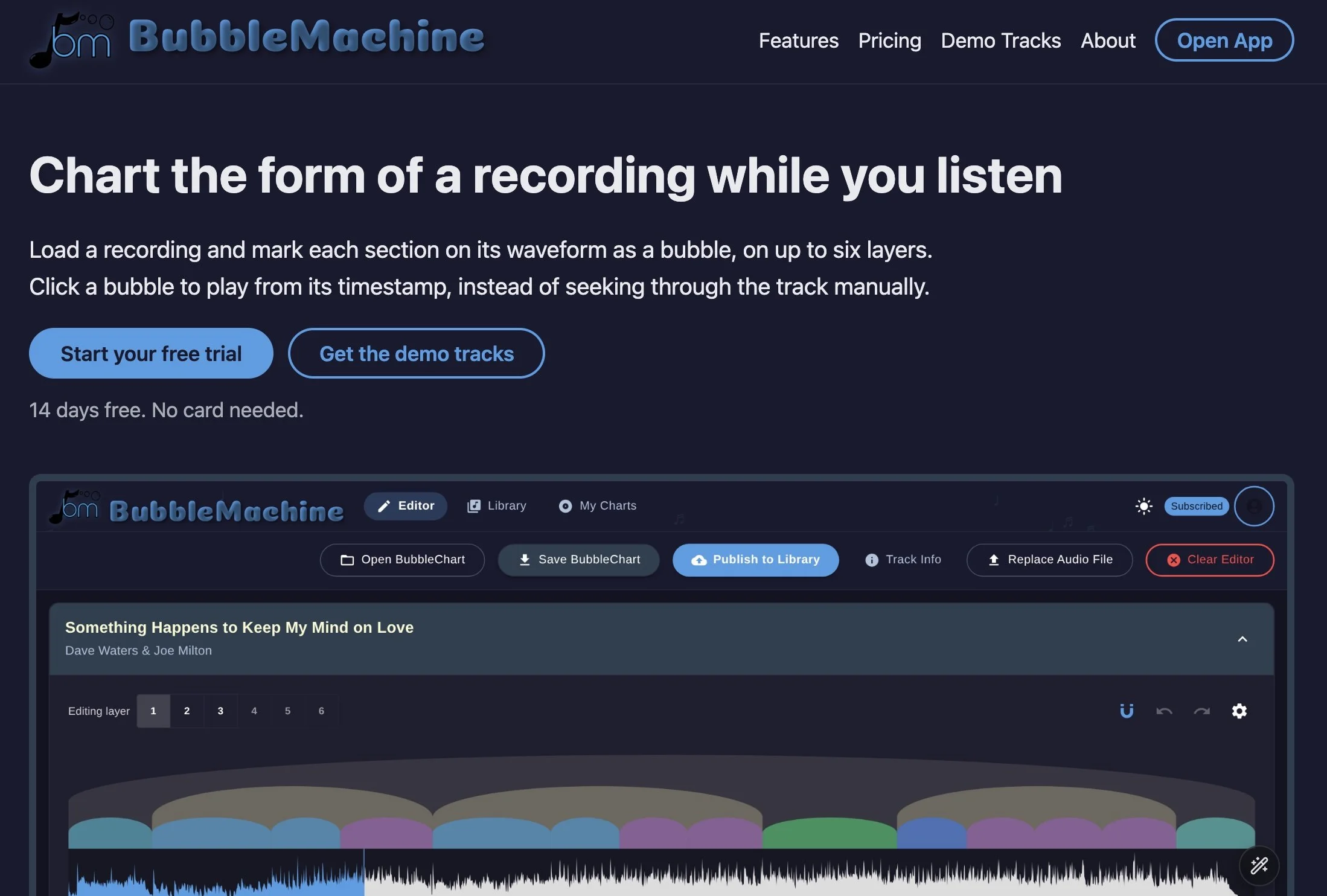
One of my favorite aspects of attending music educator conferences is catching up with old friends and meeting new ones. This week I am at the College Music Society Conference in Grand Rapids, MI - presenting a talk on the future of music classrooms, as well as a panel discussion on GenAI with some of my favorite music educators. Dr. Scott Lipscomb is a longtime friend and colleague, and when he asked me to participate on the panel alongside Dr. Peter Webster, Dr. Bill Bauer and Dr. Tina Tallon, I was thrilled to be included. When I bumped into Scott at the conference, he told me about his latest project called Bubble Machine. I immediately checked it out, and you should too. It addresses one of many pedagogical challenges that we face as music educators - helping students hear what we hear. We can explain phrases, sections, repetition, and contrast, but those concepts become much more meaningful when students can see those concepts while listening. That is why I am excited about BubbleMachine.
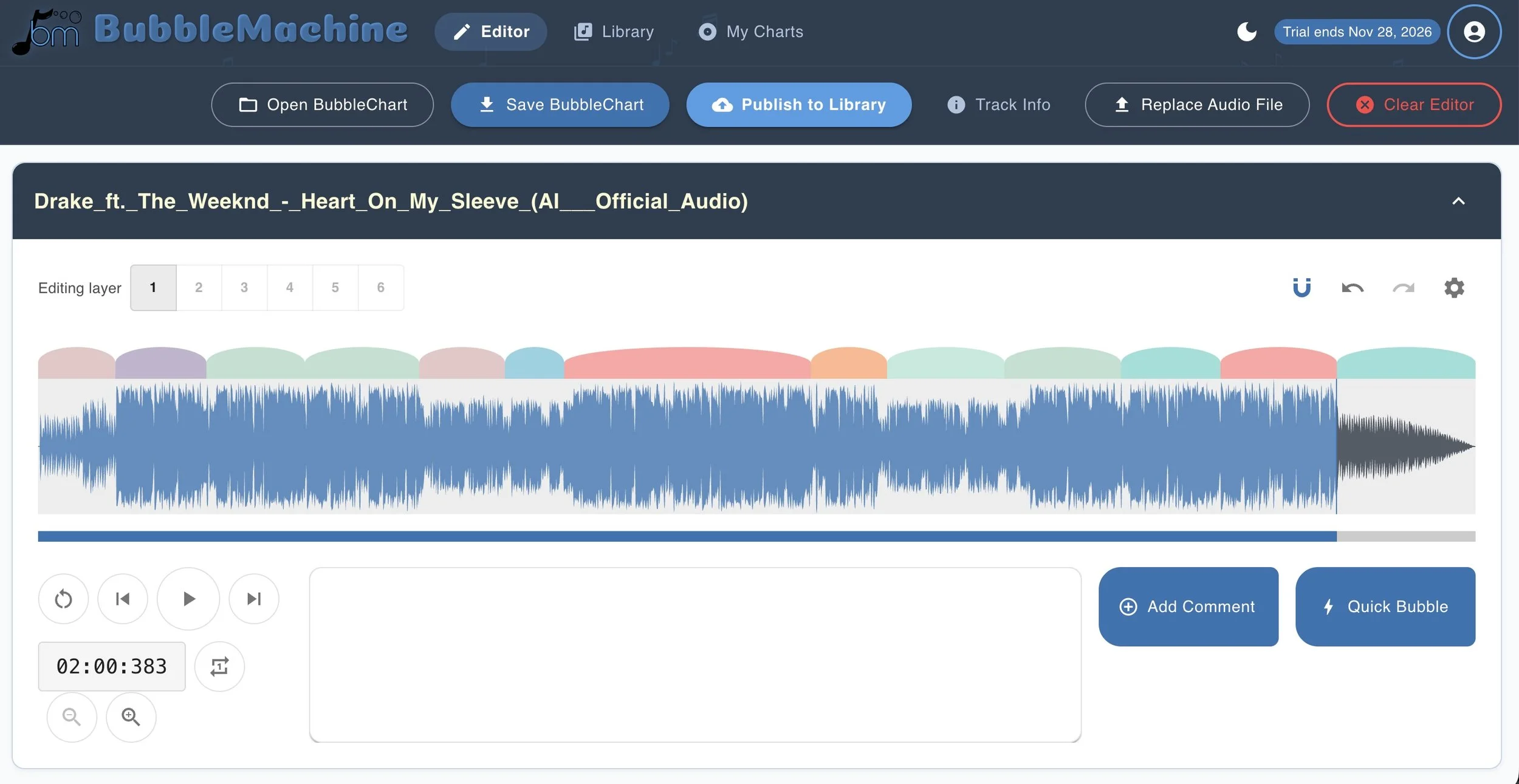
Scott and lead developer Artemis Fine deserve a great deal of credit for creating a tool with such a clear musical purpose. BubbleMachine lets users load a recording and map its structure using bubbles placed over the audio waveform. Click a bubble to hear that section. Loop it to listen again. It is a straightforward idea with tremendous possibilities for music teaching. The ability to work with up to six layers is particularly useful. Students can identify larger sections on one layer and smaller phrases on another. Suddenly, musical form becomes something they can see, hear, discuss, and revise. And anything that helps explain form without another worksheet has my attention.
In elementary general music, this tool is perfect for creating Listening Maps. I would start with a recording that has clear repetition and contrast - perhaps using Peter and the Wolf or Carnival of the Animals. Project BubbleMachine on your whiteboard and build a listening map together. Ask students when they hear something return or something new begin. Have them connect those sections to movement, classroom instruments, or singing. The bubbles become a visual reference for musical experiences they are already having.
For middle and high school students, popular music provides an obvious starting point. Students could map an introduction, verses, choruses, and a bridge, then compare their decisions. Where does the chorus actually begin? Does that short passage belong to the verse or function as a transition? Those disagreements are excellent opportunities to ask students to support an answer with musical evidence.
Theory and aural skills teachers could take that work further by examining phrase lengths, cadences, and relationships between sections. BubbleMachine includes timed comments that appear while a passage plays. A teacher could add listening questions, or students could explain the musical clues behind their analysis. The goal is careful listening, with the screen giving students somewhere to organize their thinking.
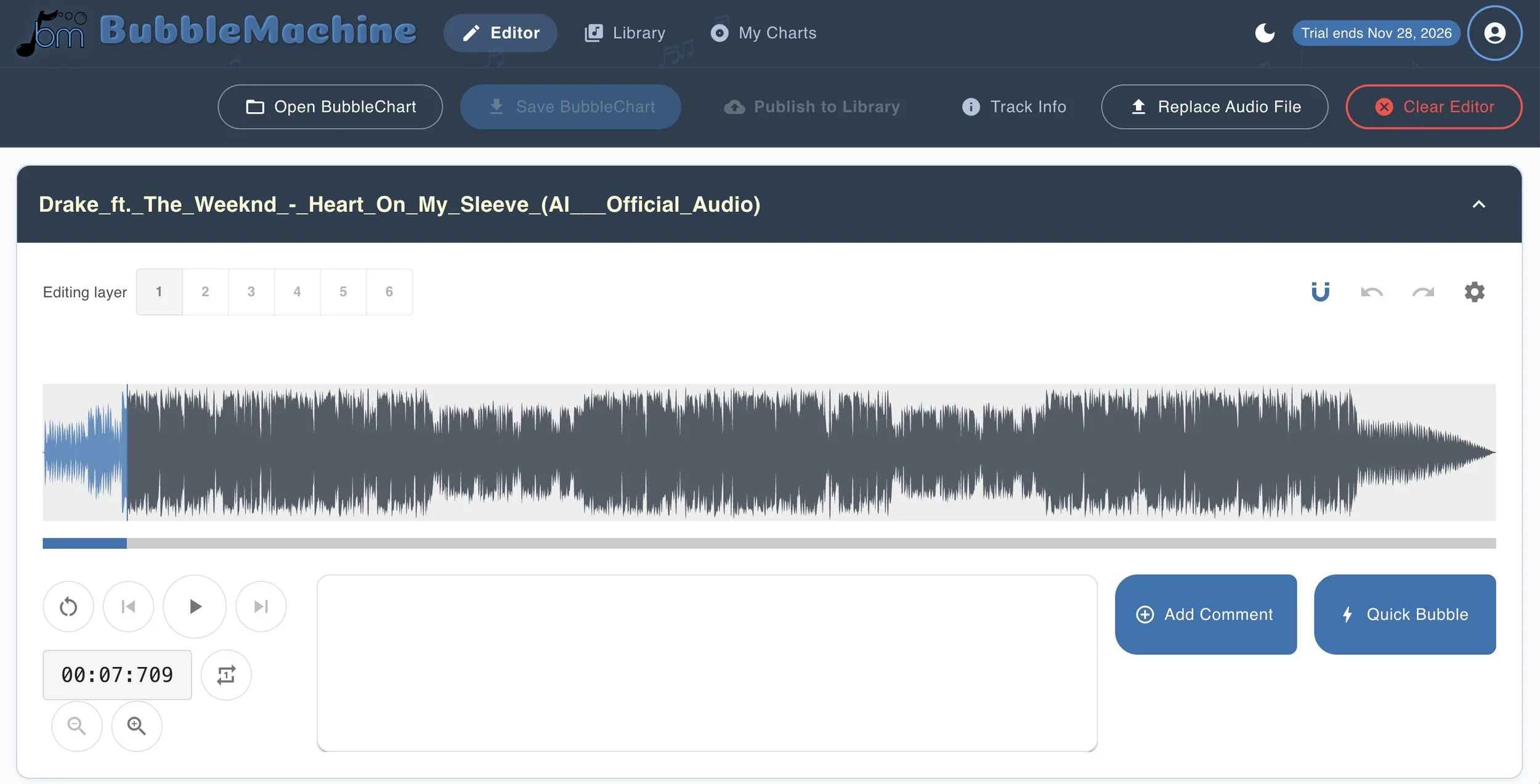
Composition students could map their own recordings and examine how their ideas develop. Is there enough contrast? Does a section overstay its welcome? Can a listener follow the structure? These are useful questions for any young composer, regardless of the software used to create the music.
I also appreciate that audio plays locally in the browser rather than being uploaded. Charts can be saved, and a library provides opportunities to explore published examples. Scott and his team have created something thoughtful, practical, and worth exploring. BubbleMachine gives music teachers a flexible way to make listening active, purposeful, and a lot more engaging.
BubbleMachine is pretty affordable too - just $4.95 a month or $45 for the year. You can sign up for a free 14-day trial by visiting this link. Congratulations to Scott for bringing a very useful tech tool to the market!