What the Heck is “Vibe Coding” and Why Should You Know What It Is?
I have to admit that when I first heard the term “vibe coding,” I thought it sounded a little ridiculous. I kind of still do. The world of Generative AI is moving SO fast and I seem to come across a new AI term every few weeks, and at first I wasn't convinced that vibe coding was something that I needed to pay much attention to. I’m hearing it almost daily now - even in meetings with potential software partners. I decided to look into a little more and I have to say that after spending some time experimenting with it, I think vibe coding is something that music educators should not only know about, but I think it will soon be something that a LOT of people will be doing. And believe it or not - it’s not that hard to do at all.
The basic idea is pretty simple. Vibe coding is using Generative AI to help you create software without necessarily knowing how to code. Instead of learning JavaScript, Python, HTML and all the other things that traditionally go into building an application, you simply describe what you want the software to do in plain English. The AI writes the code. You try what it creates, tell it what you like or don't like, and keep going until you have something that works. That doesn't mean you suddenly become a software developer. It also doesn't mean that everything the AI creates is going to work perfectly. It won't. But it does mean that creating a small application for your classroom is now within reach for most music teachers.
Think about how many times you have said, “I wish there was an app that did this.” Maybe you want something that randomly selects a scale for your band to play during warm-ups. Maybe you want a rhythm generator that only uses quarter notes, eighth notes and quarter rests because that is all your beginning students know. You might want a simple tool that divides your students into chamber groups, creates random sight-reading challenges or keeps track of the repertoire your ensembles have performed over the past ten years. These aren't necessarily apps that anyone else needs. That's actually what I find interesting about vibe coding. You can build something specifically for yourself.
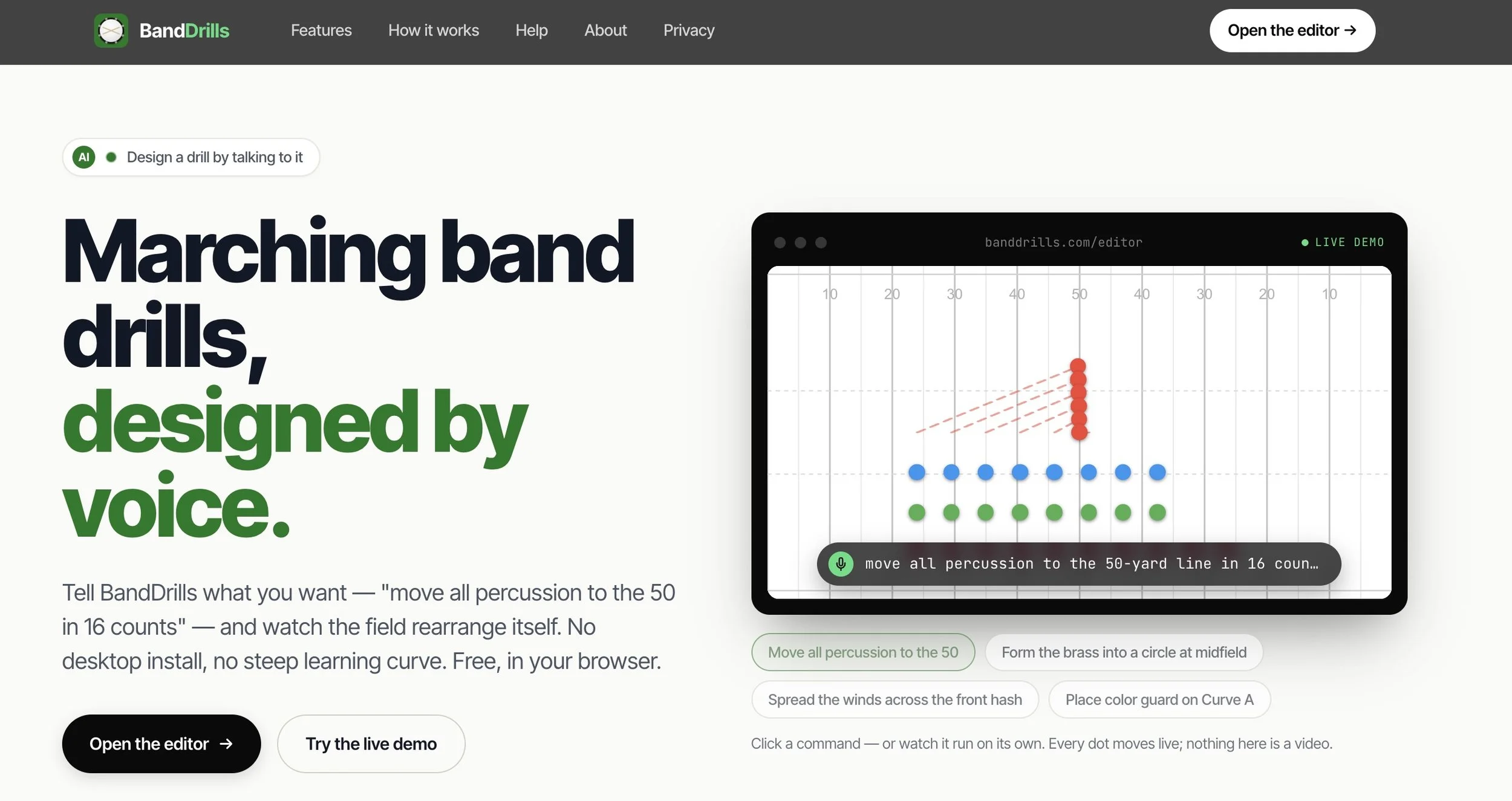
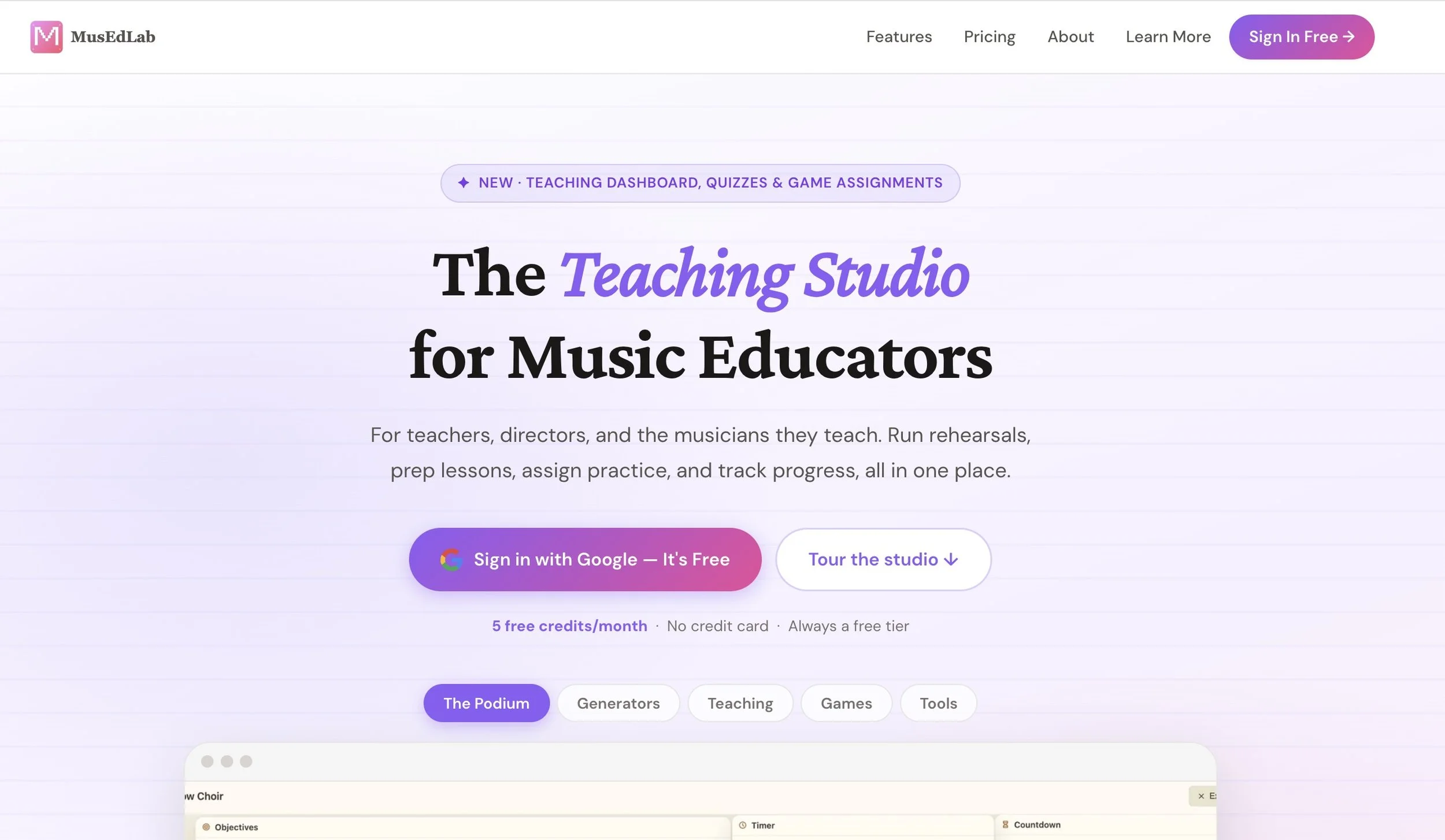
If you’d like to see a few examples of software that I know has been vibe coded, check out these two great websites for music educators: BandDrills.com and MusEdLab.ai. Both sites are wonderful tools for music educators, and they were created largely by music educators and students who needed to build things for their students and teachers. It doesn’t mean that the sites are any less useful because the code was written by Generative AI tools - it just means that they were coded by AI based on the very specific instructions of their deisgner/creators.
So would you like to try vibe coding on your own? First off, know that there are both free and paid options available - and the more you get into it, the likely the more you’ll have to pay. Most are around $20/month. In my opinion, one of the easiest places to start experimenting is a site called Replit. I really like this site because the AI Agent allows you to simply describe what you want to create and it does the rest. Their Vibe Coding 101 tutorial is a good place to begin, particularly if you have absolutely no coding experience.
Another platform worth trying is Lovable. Lovable takes a similar approach. Tell it what you want to build and then work with the AI to create and revise it. Their Getting Started guide is really useful, and they also have a collection of video tutorials. You can also vibe code using tools that you already know, including Claude Fable 5, Claude Sonnet, and Codex from OpenAI - the creators of ChatGPT. I found a really great article written by a music educator who wanted to create some software about Women Composers of Solo Piano Music using these specific tools. It’s a great read and covers exactly how they did it.
There are plenty of YouTube tutorials as well. Search for Scott Friesen's “How to use Replit to Build an App (Vibe Coding Tutorial)” for a good beginner introduction. The longer “Vibe Coding Full Course for Beginners” is useful when you are ready to learn more about tools like Replit, Cursor and Lovable. There are also several good beginner tutorials if you search YouTube for “Lovable vibe coding tutorial.” If you really get interested in this, any of the full length courses that you find on YouTube will probably be a very good place to start learning. That’s basically how I learn everything at this point. Of course, you can also sign up for my AI Course on the MusicFirst Academy - but I don’t cover vibe coding.
So if you want to give it a try, I would strongly recommend starting with something simple. Don't try to create like Sight Reading Factory on Saturday morning. Try creating a random key signature quiz. Make a webpage that gives students a different two-minute practice challenge every time they press a button. Create a rehearsal timer specifically designed around the way you run your rehearsals. You will probably be surprised by how quickly you can get something working. You will also probably break it at some point. That's part of the process. When something doesn't work, describe the problem to the AI and ask it to fix it. In many ways, learning how to communicate what you want is becoming as important as learning the code itself.
One important thing to consider as an educator when creating any apps is to NOT start by building anything that stores student names, grades, email addresses or other personal information. The minute you start collecting student data, you enter the world of privacy, security, FERPA, COPPA and district policies. Learn how this stuff works first by building applications that don't require any student information. And all that really means is that the students should be able to use the application without creating an account - it’s simply a tool that they go in and play around with to learn a musical concept.
I have no idea whether “vibe coding” is a term we will still be using five years from now. I suspect we probably won't be. What seems much more important is the larger change behind it. Creating software is becoming accessible to people who never considered themselves programmers. Music teachers are constantly creating things to solve problems in their classrooms. We make worksheets, spreadsheets, forms, rubrics, rehearsal plans and all kinds of other resources because we need something that doesn't already exist. Now we can add creating simple software to that list. And that is definitely worth learning how to do.