Suno Studio - GenAI Meets the DAW
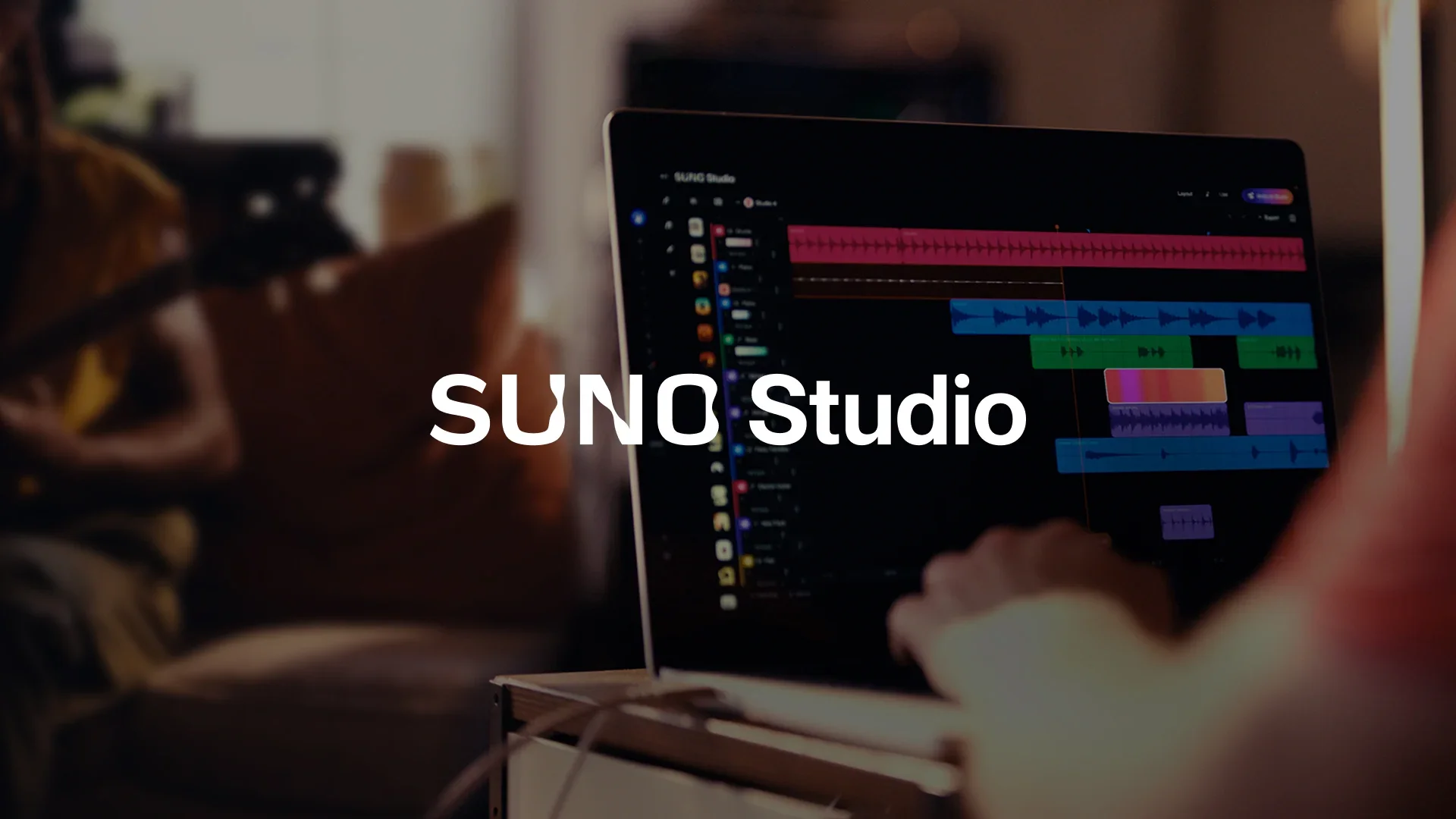
For the past few weeks, I have been authoring a new course for the soon to be relaunched MusicFirst Academy. This new course is titled AI in the Music Classroom: GenAI for Music Teachers. It has been a HUGE amount of work, but I think that the music educators who sign up for it will gain a deep understanding of the many ways that GenAI can be utilized in and out of the music classroom. As part of the research that I did for the construction of the course, I discovered that Suno - one of the GenAI music creation tools that you’ve probably read about in the news - added a digital audio workstation (DAW) back in September of 2025. At first glance, it seems very similar to the AI Studio feature found in Moises- allowing users to record ideas and integrate their prompt-based music creations with their own recorded ideas. If you already use a DAW - like Soundtrap, YuStudio, Logic Pro, GarageBand or Ableton, you already understand the basic workflow. What makes Suno Studio different is that it combines the Sunowe already knew - an AI-powered music creation platform that allows users to generate full songs with vocals, lyrics, and instrumentation simply by typing a prompt - with a more familiar production environment, including multitrack editing, stem separation, and even MIDI export. Before diving in any further, I want to fully disclose that I have not upgraded my own free Suno account to kick the tires myself. I didn’t feel like paying $24 a month, so to create this review of this new product I simply did a lot of reading and watching tutorial videos. I haven’t used it myself. Here’s one of those videos:
So what makes Suno Studio different? Well for starters, it can make music creation more accessible for the students in your classroom that may not be musicians. Not every student has experience with traditional instruments or production tools, and Suno allows those students to engage in musical creation without needing those skills upfront. Anything that removes barriers to creativity is a good thing in my opinion - it just depends on how teachers have students use the tool. A typical workflow in Suno Studio begins with generating or importing a song, and then moving into editing and refinement. The tutorial video below demonstrates how users can split a generated or imported audio track into individual stems - such as vocals, drums, and bass - and then adjust or replace those elements independently. I love how you can add your own instrumental tracks to an imported audio file and make it sound natural - something not always that easy to do in other DAWs.
From there, users can rearrange sections on a multitrack timeline, edit audio directly, and add new material, either through recording or additional AI-generated content. This process is much closer to a traditional DAW workflow, but with the added ability to generate musical material on demand rather than relying solely on recorded or programmed input. This tutorial video also highlights the ability to export stems or MIDI data for use in other platforms, which reinforces the idea that Suno can fit into an existing production ecosystem rather than replacing it.
For classroom use, this type of DAW environment can be helpful because it allows students to move between generating ideas and editing them within the same environment, while still supporting connections to more traditional tools. It is also important to clarify what Suno is designed to do. It is not a replacement for a traditional DAW. If the goal is to teach recording techniques, mixing, or performance-based workflows, platforms like Soundtrap or YuStudio remain more appropriate tools. Suno Studio functions more as a compositional tool that can complement, rather than replace, those environments.
In terms of pricing, Suno uses a freemium model. The free tier provides a limited number of daily song generations through a credit system, which is generally sufficient for short classroom activities or exploration. This is the plan that I have - and it’s fine for simply exploring GenAI music creation. Paid plans expand these capabilities. The Pro tier, typically around $8–$10 per month, offers additional credits and faster generation, along with options for broader use. The Premier tier, usually in the $24–$30 per month range, includes access to Suno Studio features such as multitrack editing, stem downloads, and more detailed control over outputs. That is a HUGE layout over a year in terms of cash - so I’m sitting this one out until that pricing becomes a little more realistic. Logic Pro has a one-time purchase price of $199, and in my opinion, you get WAY more for your money (and you’re not stealing from other artists).
Suno can definitely be helpful for quickly generating musical examples, creating stylistic references, or allowing students to explore musical ideas without needing to notate or record them first. It may also be useful for students who are less comfortable with traditional composition tools. For educators, the more relevant question is how does a tool like this fit into your existing teaching goals? It’s quite possible that it doesn’t - but I think that it certainly opens up a deeper conversation about mixing GenAI music creations with a users own musical ideas. It also provides an opportunity to introduce broader discussions around music and technology. Topics such as authorship, originality, and the role of AI in creative work can be incorporated into classroom conversations in a practical way.
There are also limitations to consider. In the user generated tutorial videos and reviews that I watched and read, it seems that the results are not always consistent, and the quality can vary depending on the prompt and context. Obviously the polished videos created by Suno aren’t going to demonstrate how things might go wrong. They are well choreographed and rehearsed to show the product in the most positive light. In addition, there are ongoing industry discussions around copyright and data use that educators may want to be aware of. When used alongside other tools, Suno Studio can serve as a useful addition to the classroom. It works best when positioned as one option within a broader set of music creation tools, rather than as a replacement for existing approaches. In that context, I think that Suno Studio can help expand the range of ways students engage with music, while still supporting the development of core musical skills. That said, with Moises being already available in the MusicFirst Classroom at $4 per user per year, I’m going to stick with their AI Studio as it basically does the same thing at a fraction of the cost.
The one thing I’ll say in closing about the idea of combining a GenAI music creation tool with a traditional DAW is that I am quite certain that we will see more of this rolled out in the current DAWs on the market. LogicPro and Ableton have already incorporated GenAI, specifically stem separation, into their products and I think that you will see them slowly adding GenAI tools like Suno so that users can get this type of functionality in the production environments that they’re already used to. I just hope that the artists whose work that all of these GenAI tools are trained on get properly remunerated for their work. Probably a pipe dream, but for now its the number one reason that I won’t pay for any of these GenAI tools. What are your thoughts?